IPTV Free Trial: What Is IPTV and How Does It Work?
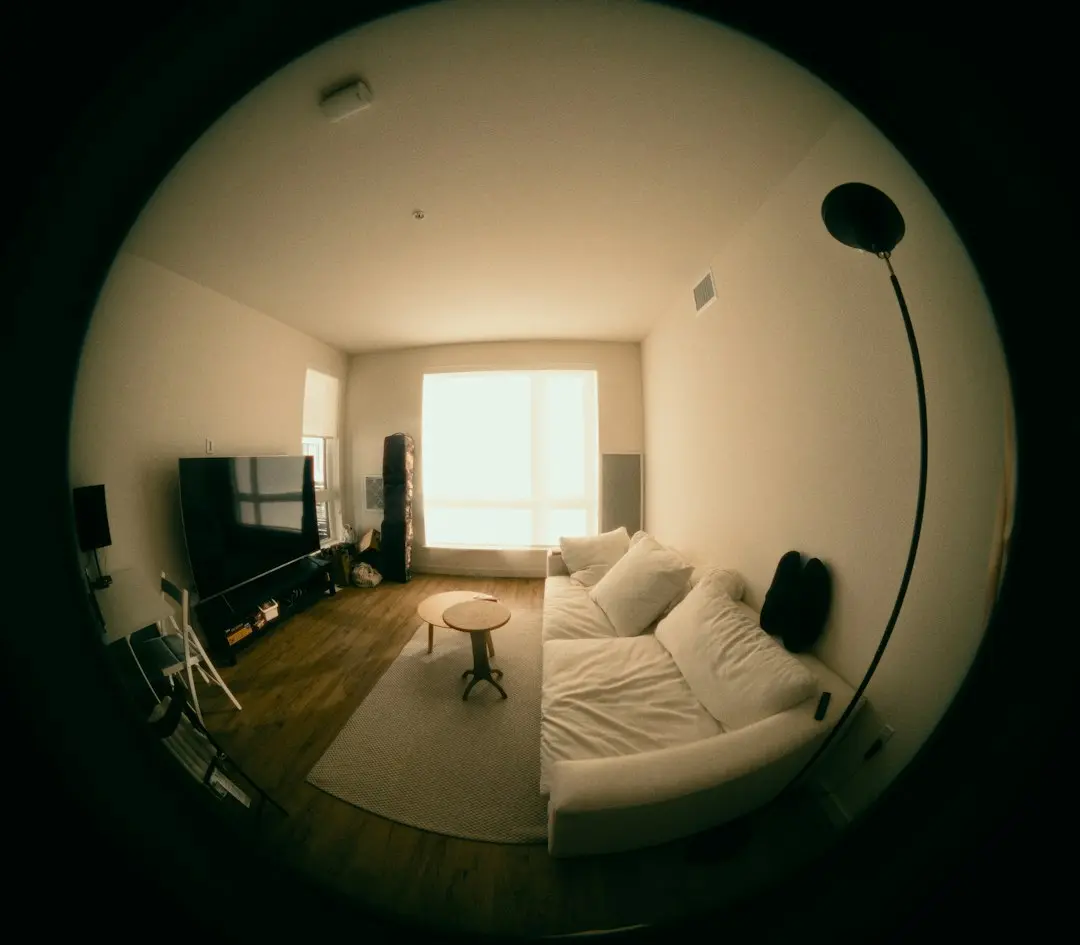
What is IPTV? In one sentence: it is television delivered over your internet connection instead of a cable line, a satellite dish or an antenna. You watch it in an app on a device you probably already own, such as a smart TV, a streaming stick, a phone or a computer. This IPTV Free Trial guide explains what the letters stand for, how IPTV works from the server to your screen, how it compares with cable, and what you need to try it at home.
What is IPTV? The IPTV Free Trial short answer
IPTV is TV that travels as internet data. The ITU (the International Telecommunication Union, the United Nations agency for telecommunications) defines it this way:
"IPTV is defined as multimedia services such as television/video/audio/text/graphics/data delivered over IP-based networks"
Source: ITU, IPTV-JCA Terms of Reference
In practice, that means live channels, movies and series reach you over the same broadband connection you use for everything else. There is no dish to point and no coaxial cable to run to a box under the TV. What changes is the route the picture takes, not what you sit down to watch.
What does IPTV stand for?
IPTV stands for Internet Protocol Television. The Internet Protocol (IP) is the set of rules that every device on the internet uses to send and receive data in small packets. A web page, a video call and an IPTV stream all travel the same way. "Television" is the part you know: live channels, plus, with most services, a catalog of movies and series you can start whenever you like.
How does IPTV work? From the server to your screen
Here is how IPTV works, step by step, with any IPTV service:
- The provider runs servers that receive the channels and store the on-demand catalog.
- You open a player app on your device and log in with the details the provider sent you.
- The app asks the server for the channel list and shows it as a guide you can browse with your remote.
- You pick a channel or a movie, and the server sends it to your device as a stream of data over your internet connection.
- The app decodes the stream and plays it, adjusting to what your connection can carry.
Live channels and on demand
Live channels play as they are broadcast, so you join them in progress, just as you would on cable. Movies and series on demand are files the server holds: you start, pause and resume them when you want. With IPTV Free Trial, every plan includes 12,000 live channels from more than 50 countries, and the Gold and Platinium plans add 60,000 movies and series on demand.
Picture quality and your connection
Because the picture arrives as data, its quality depends on your connection. IPTV Free Trial streams in SD, HD, Full HD and 4K, and the 4K streams use HEVC, a newer and more efficient video codec. The stream adapts to your bandwidth; you need at least 15 Mbps. When a connection can't keep up, the picture pauses to load, which is what people call buffering. Our IPTV buffering guide covers the usual causes and fixes.
Logins: Xtream Codes or an M3U link
The app needs to know which service to load. Most IPTV services give you one of two formats: Xtream Codes (a server URL with its port, a username and a password) or an M3U link (a single web address that holds the channel list). IPTV Free Trial sends both by e-mail once your order is confirmed, and the setup guide recommends the Xtream Codes login.
IPTV vs cable: what actually changes
The biggest difference between IPTV and cable is the delivery route, and most of the other differences follow from it.
| IPTV | Cable TV | |
|---|---|---|
| How it reaches you | Over your internet connection | Over the cable operator's own network |
| What you watch on | An app on a smart TV, stick, phone, tablet or computer | Usually a set-top box connected to the TV |
| Where you can watch | Any compatible device on your connection | Usually the TVs connected to a box |
| What you need | A broadband connection and a player app | A cable line and the operator's equipment |
| Picture quality | Depends on your connection and the service | Depends on the operator's package |
There is also a kind of IPTV that some internet providers sell with their own box, carried on their own managed network. A service like IPTV Free Trial works the other way: it reaches the app on your own device over the open internet, so you choose the device and the app.
What is an IPTV service, and what is an IPTV player?
Two terms often get mixed up. An IPTV service is the provider, such as IPTV Free Trial: it supplies the channels, the catalog and your logins. An IPTV player is the app that displays them. A player app such as IPTV Smarters Pro or VLC is a third-party product: it plays the channels of the service you log into and provides none itself. So "is there an app for IPTV?" has a simple answer (yes, many) but an app alone shows nothing until you add a subscription.
For a closer look at the most widely used player, read our guide to IPTV Smarters Pro. To see how providers differ behind the app, read how to compare IPTV providers.
What you need to watch IPTV with IPTV Free Trial
Four things, and you probably have most of them already:
- A connection of at least 15 Mbps. A wired Ethernet cable is usually more stable than Wi-Fi on a TV.
- A device: a Samsung, LG, Hisense or Philips smart TV, an Android TV or Google TV device, an Amazon Fire TV Stick, an iPhone, iPad or Apple TV, an Android phone or tablet, or a Windows PC or Mac.
- A player app that supports Xtream Codes or an M3U link. Our setup guide most often recommends IPTV Smarters Pro, and Smarters Player Lite on Apple devices, both free.
- Your logins, which arrive by e-mail (check your spam folder).
Setup takes 3 to 6 minutes. The IPTV Free Trial setup guide has the steps for each device, and our Fire TV Stick guide walks through the most common streaming stick.
Is IPTV good for you?
It depends mostly on your connection and your habits. If your broadband is stable and you like watching on more than one device, IPTV fits well. If your connection is slow or shared by many people at peak times, test before you commit. The rules on what you may watch differ from one country to another, so read our neutral disclaimer. The simplest way to judge is on your own screen: the IPTV Free Trial trial gives you 24 to 48 hours of full access, free.
IPTV Free Trial: what is IPTV FAQ
How do you get IPTV?
You choose an IPTV service, install a player app on your device and log in with the details the service sends you. With IPTV Free Trial, you order on WhatsApp, pay through a secure link (card, Apple Pay, Google Pay or bank transfer) and receive your logins by e-mail.
Can I get IPTV on my phone?
Yes. IPTV works on Android phones and tablets and on iPhone and iPad, in the same kind of player app as on a TV. With the Standard and Gold plans, the connection moves from one device to the next, one screen at a time; Platinium lets you watch on two screens at once.
Is there an app for IPTV?
Many. Player apps such as IPTV Smarters Pro, Smarters Player Lite or VLC display the channels of the service you log into. They contain no channels themselves, so you also need a subscription.
What do you get with IPTV?
That depends on the service. With IPTV Free Trial, every plan includes 12,000 channels from more than 50 countries in up to 4K, plus a VPN and private DNS on the server side; Gold and Platinium add 60,000 movies and series on demand.
How do I use IPTV once it's set up?
Open the app, browse the channel list or the on-demand catalog with your remote, and pick what you want to watch. Questions are answered on WhatsApp, 7 days a week, in English.
Conclusion: what is IPTV, in practice
So, what is IPTV? Television over your internet connection, played in an app on a device you choose, with how IPTV works coming down to logins, a server and a stream. The best way to understand it is to try it. Request your IPTV Free Trial access on WhatsApp, or compare the IPTV Free Trial plans: Standard $49, Gold $59 and Platinium $69, each for 12 months, paid once.
Want to try IPTV Free Trial?
Request a free trial of 24 to 48 hours on WhatsApp, or choose a 12-month plan from $49.
Related articles

IPTV Free Trial: How to Compare IPTV Providers
IPTV Free Trial explains how to compare IPTV providers in the USA: the questions to ask, the red flags to avoid and how to test a service before you pay.
Read the article
IPTV Free Trial – IPTV Not Working or Buffering? Fixes
IPTV not working, buffering or freezing? IPTV Free Trial's step-by-step checks: speed, Ethernet, 4K to Full HD, logins, empty lists and when to ask us.
Read the article
IPTV Free Trial: IPTV Firestick Setup with Smarters Pro
Set up IPTV Free Trial on a Fire TV Stick: install IPTV Smarters Pro with Downloader, log in with Xtream Codes and test your IPTV Firestick.
Read the article