IPTV Free Trial – IPTV Not Working or Buffering? Fixes
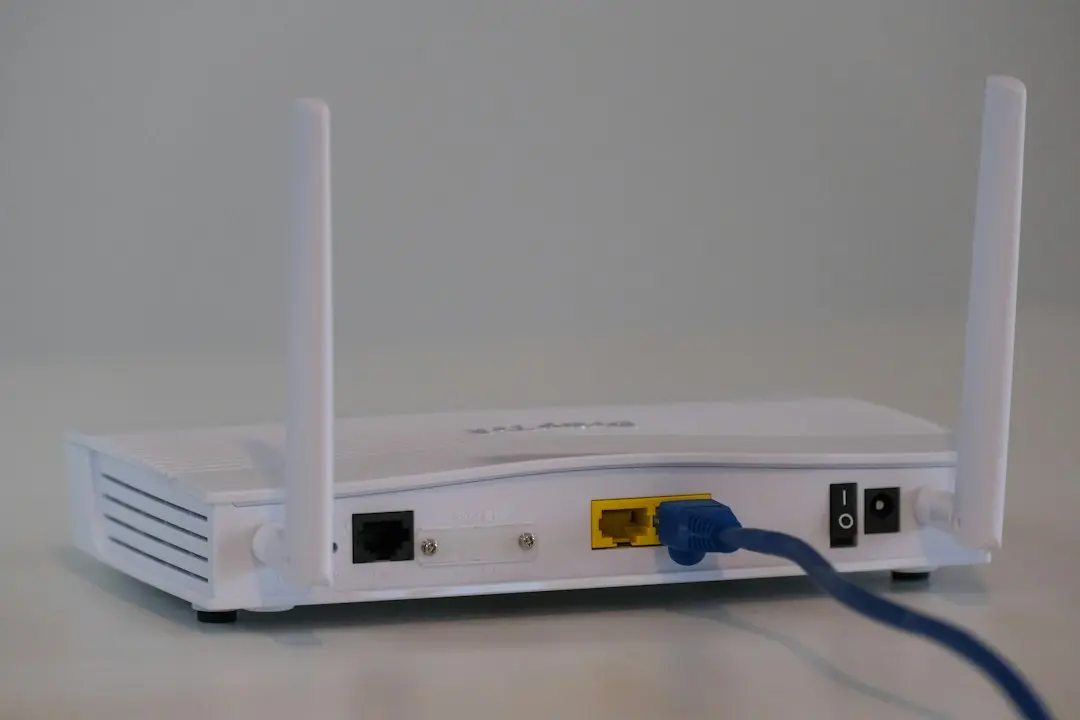
IPTV not working, or the picture stopping every few seconds, is frustrating, but it usually has a plain cause you can find in a few minutes. This guide from IPTV Free Trial takes you through the checks in the order that solves most cases: first the symptom, then the connection, then the app and the logins, and finally when to message the team. The short version of each fix is in the troubleshooting section of our setup guide; here we explain how to tell which one applies to you.
IPTV Free Trial: buffering, freezing or not working at all?
Start by naming what you see, because each symptom points somewhere different.
- Buffering: the picture pauses, a loading circle appears, then it resumes. The stream is arriving more slowly than it plays. Look at the connection first.
- Freezing or stuttering: the image locks or jumps, sometimes with the sound carrying on. Often the same cause as buffering, especially in 4K.
- Not working at all: the app won't log in, the channel list is empty, or nothing plays. That's usually the logins or the playlist, not the speed.
- No TV guide: channels play, but the program grid is blank. That's a setting in the app.
- It worked, then stopped: everything was fine yesterday. Restart first, then ask us.
If you're not sure what IPTV actually sends to your screen, our explainer on what IPTV is gives the background: the channels travel over your internet connection, so the connection is where most problems start.
Check your speed first: 15 Mbps minimum
IPTV Free Trial needs a connection of at least 15 Mbps. The stream adapts to your speed, from SD up to 4K, but below that figure buffering is likely whatever the app.
Run a speed test on the device you watch on, not on your phone in another room. A phone next to the router can show a fast result while the TV across the house gets far less. Run it at the time you usually watch, too: evening speeds can be lower than daytime ones when everyone at home is online.
For 4K, 15 Mbps is the floor, not a comfortable margin. As an outside reference point, the Netflix Help Center's table of recommended speeds reads: "Ultra high definition (UHD) | 4K | 15 Mbps or higher". That's a different service with its own streams, but the same order of magnitude as the IPTV Free Trial minimum.
Source: Netflix Help Center, "Netflix-recommended internet speeds"
While you test, pause other heavy use on the same network, such as large downloads or another stream, so you can see what the TV really gets.
IPTV buffering on a TV: use Ethernet rather than Wi-Fi
If the speed test on the TV is borderline or jumps around, the Wi-Fi is the usual suspect. Walls, distance and neighbors' networks all reduce what reaches a TV, and the signal can drop for a moment even when the average looks fine. Those short drops are exactly what you see as IPTV buffering.
The fix we suggest first is an Ethernet cable from the router to the TV or streaming device. It's the most stable option, especially on a TV. If a cable isn't practical, moving the router closer or into the open can help. On any IPTV Free Trial device, try this before changing anything in the app.
Lower the quality: switch from 4K to Full HD
4K streams need much more data than Full HD. If your connection sits near the 15 Mbps minimum, choose Full HD in the app instead of 4K. The picture stays sharp, and the stream gets far more headroom.
Think of it as a dial rather than a defeat: Full HD in the evening, 4K when the house is quiet, and the IPTV Free Trial channels stay the same either way.
IPTV Free Trial not working after setup: logins and empty lists
When nothing plays at all, the cause is rarely the speed. Two cases cover most of it.
The app rejects your logins. Most often, a space slipped in before or after the username during a copy and paste. Retype each field by hand rather than pasting, and check that the server URL includes its port. Your IPTV Free Trial logins (server URL, username, password and M3U link) came by e-mail when you ordered; if you can't find them, check your spam folder.
The channel list stays empty. The first load can take about a minute, so give it time. Then reload or refresh the playlist in the app. As a last resort, delete the profile and log back in with your logins. If you set up with an M3U link in an app that also offers Xtream Codes, use the Xtream Codes login instead: it loads your plan's channels, movies and series, and the TV guide in one go.
Setup takes 3 to 6 minutes per device, and the steps differ slightly by app. Our guides to IPTV Smarters Pro and to IPTV on a Firestick go through the screens one by one, and the Fire TV Stick setup steps are on the setup page.
No TV guide (EPG)
If the channels play but the program grid is blank, turn on the TV guide (EPG) in the app's settings, then run a manual update. The IPTV Free Trial guide data comes with the same Xtream Codes login as the channels.
It worked, then stopped
Something that worked yesterday and doesn't today calls for the simplest step first: restart the device and your internet router.
If the problem lasts more than an hour, message the IPTV Free Trial team on WhatsApp: they'll send you an up-to-date server URL. Enter it in the app in place of the old one, keeping your username and password.
IPTV freezing when someone else starts watching
A stream that stops the moment another person turns on a second TV isn't a fault. The IPTV Free Trial Standard and Gold plans work on all your devices, one screen at a time: the connection moves from one device to the next. Platinium lets you watch on two screens at once.
So if two people in your home regularly watch at the same time, the plan matters more than the router. The plans are compared side by side on the IPTV subscription page, and our post on what IPTV costs works out the difference per month. Keep your logins to your own household, too: they're personal, and sharing them can get the line suspended.
What to tell the team when you ask for help
If the checks above don't solve it, the IPTV Free Trial team helps on WhatsApp, 7 days a week, in English. You'll get to the answer faster if your first message includes:
- Your device (for example, smart TV brand, Fire TV Stick, iPhone or PC).
- The app you use and the login type (Xtream Codes or M3U link).
- The symptom, in a sentence: buffering, frozen image, rejected login, empty list, no guide.
- Your speed test result on that device, and whether it's on Wi-Fi or Ethernet.
- What you've already tried from this list.
Never post your password, server URL or M3U link in a public message or a screenshot. The contact page has the WhatsApp link.
Test your setup during the free trial
The best moment to find a buffering problem is before you pay. The free trial from IPTV Free Trial gives you 24 to 48 hours of full access, free, requested on WhatsApp. It isn't available during big live matches, but it is outside them. Use it on the TV you'll actually watch, at your usual hours, and run through the checks above if anything stutters. The free trial page explains how to request it.
IPTV Free Trial buffering FAQ
Why does my IPTV keep buffering?
Usually the connection: under 15 Mbps on the device, an unstable Wi-Fi signal to the TV, or 4K on a borderline connection. Test the speed on the device, use Ethernet, and switch to Full HD.
Why is my IPTV not working?
If nothing plays, check the logins for stray spaces and the server URL for its port, then refresh the playlist. If it worked before, restart the device and router; after more than an hour, ask the team for an up-to-date server URL.
How do I stop IPTV freezing?
Treat it like buffering: an Ethernet cable on a TV, Full HD instead of 4K, and no heavy downloads on the network while you watch. On Standard or Gold, check that no other device has taken over the connection.
What internet speed do I need for IPTV?
At least 15 Mbps for IPTV Free Trial, measured on the device you watch on.
Is Wi-Fi good enough for IPTV?
It can be, on a strong signal. On a TV, an Ethernet cable is more stable, and it's the first fix to try for buffering.
IPTV Free Trial: when IPTV is not working, start here
Most cases of IPTV not working come down to the connection, the logins or the playlist, and each has a fix you can try yourself in a few minutes. Start with a speed test on the device, then Ethernet, then Full HD; for login and list problems, retype and refresh. If it still won't play, the IPTV Free Trial team is on WhatsApp. No logins yet? Request a free IPTV trial to test your setup, or see the plans.
Want to try IPTV Free Trial?
Request a free trial of 24 to 48 hours on WhatsApp, or choose a 12-month plan from $49.
Related articles
IPTV Free Trial: IPTV Firestick Setup with Smarters Pro
Set up IPTV Free Trial on a Fire TV Stick: install IPTV Smarters Pro with Downloader, log in with Xtream Codes and test your IPTV Firestick.
Read the article
IPTV Free Trial – IPTV Cost: What a Year Really Costs
IPTV cost, worked out with IPTV Free Trial's real prices: per month, per year, over two years with renewal, plus app costs and what cheap IPTV hides.
Read the article
IPTV Free Trial: How to Compare IPTV Providers
IPTV Free Trial explains how to compare IPTV providers in the USA: the questions to ask, the red flags to avoid and how to test a service before you pay.
Read the article